
How to configure and sell license keys?
Hey there Leo the app founder here and in this guide i will teach you how to create and sell license keys
I'll guide you, step-by-step, on how to vend your personal license keys via the app.
Imagine, for instance, you're an authorized distributor for Photoshop and wish to trade license keys for Photoshop CS5 and CS4.
I will assume that you possess a collection of license keys for these two Photoshop editions.
Steps to setup license keys in Big Digital Download:
- In your Shopify Admin look at the left panel and click on Apps
- Click on Big Digital Download
- Click on License keys
- In the license keys page click on "Create license keys"
.png?alt=media&token=7a8a3ead-3320-4193-9c24-7dec064daf1a)
- Input your license keys (you can copy/paste) and make sure each key is on it's own line
- Make sure to add a tag such as "Adobe" in this case
- You can think of a tag as a way to group these license keys into a single "box" - Red Box
- When you apply this tag to a digital product the app will pick unused keys from this "box" when delivering products - Orange Box
.png?alt=media&token=fda7bc3a-b826-4235-9b39-6db6c998fa2f)
- Click Apply to save the license keys
- Now look at the left hand side of the Shopify Admin dashboard and click on Digital Products
- Click on New Digital Product
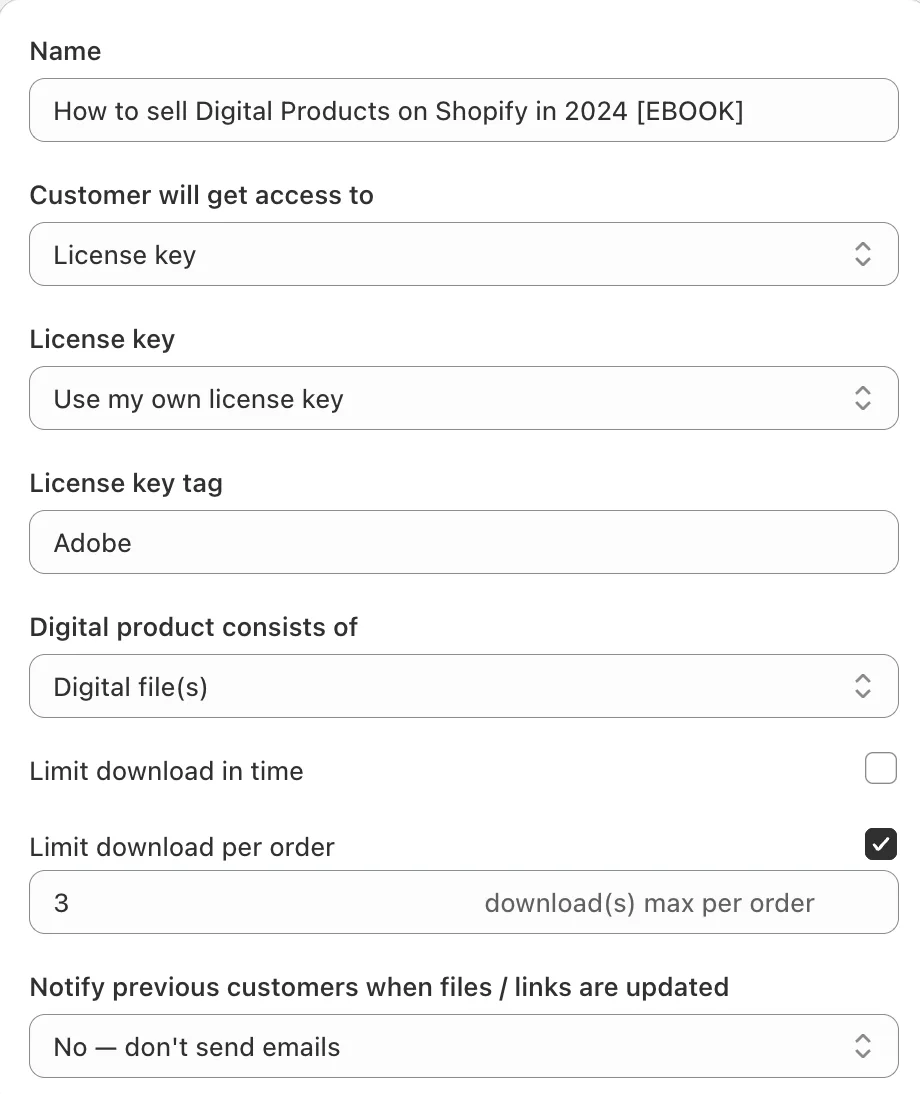
- Setup your Digital product like the screenshot below
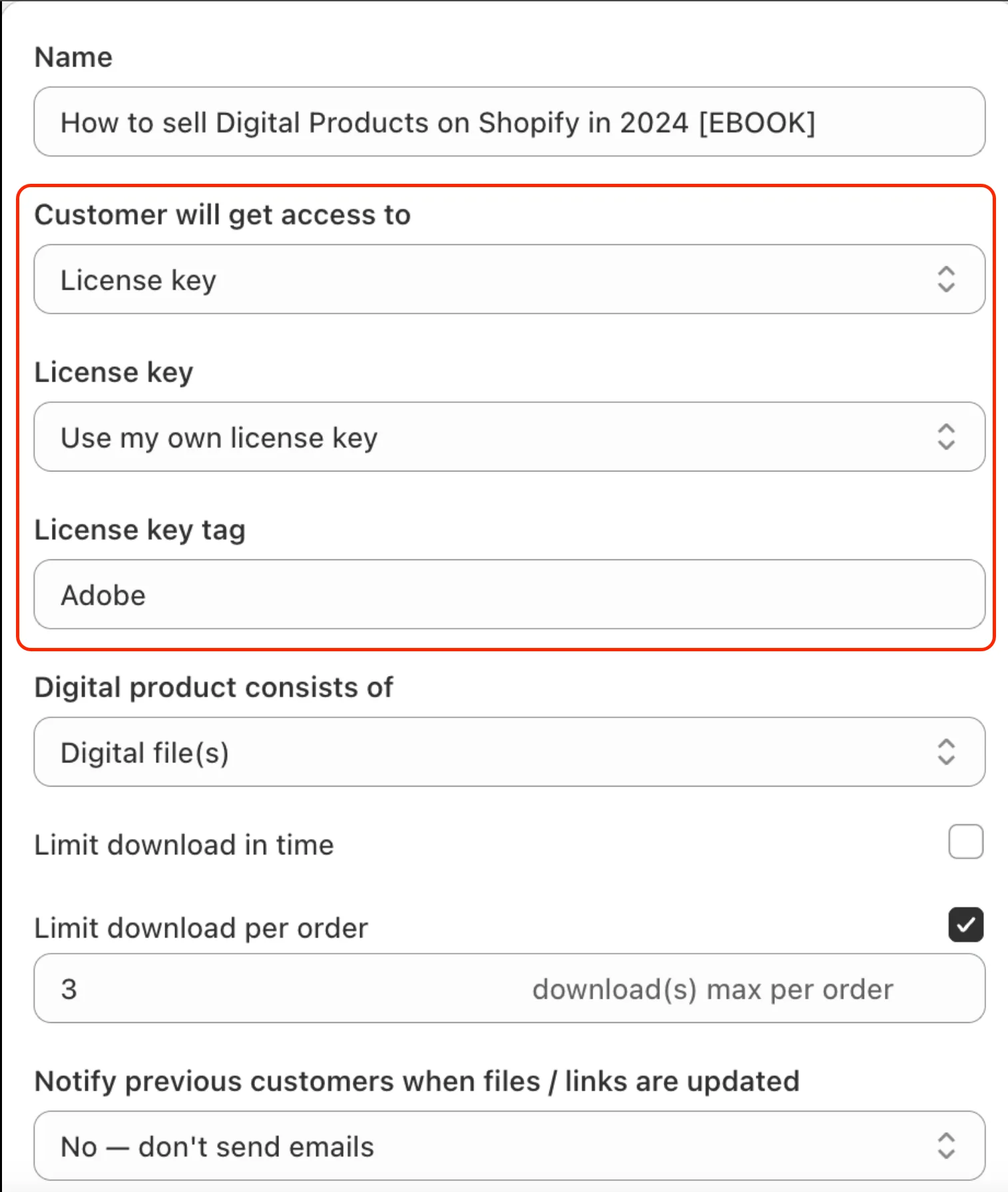
- Customer will get access to should be License key OR License Key + File (make sure you upload a file if using this option)
- License Key should be set to "Use my own license key" for this example
- If you Select generate license keys it will generate a random 32 character license key
- License key tag should be the tag of the "box" you put that group of license keys in
- The app will pick unused "keys" from this box and assign it to the order
⚠️ Warning
Don't forget the tag! Without this the app will not know which license keys to assign.
- Make sure you Save before leaving
✅ Success
Now whenever someone purchases this Digital product they will receive a license key from the "Adobe" group you created
Did this answer your question?